
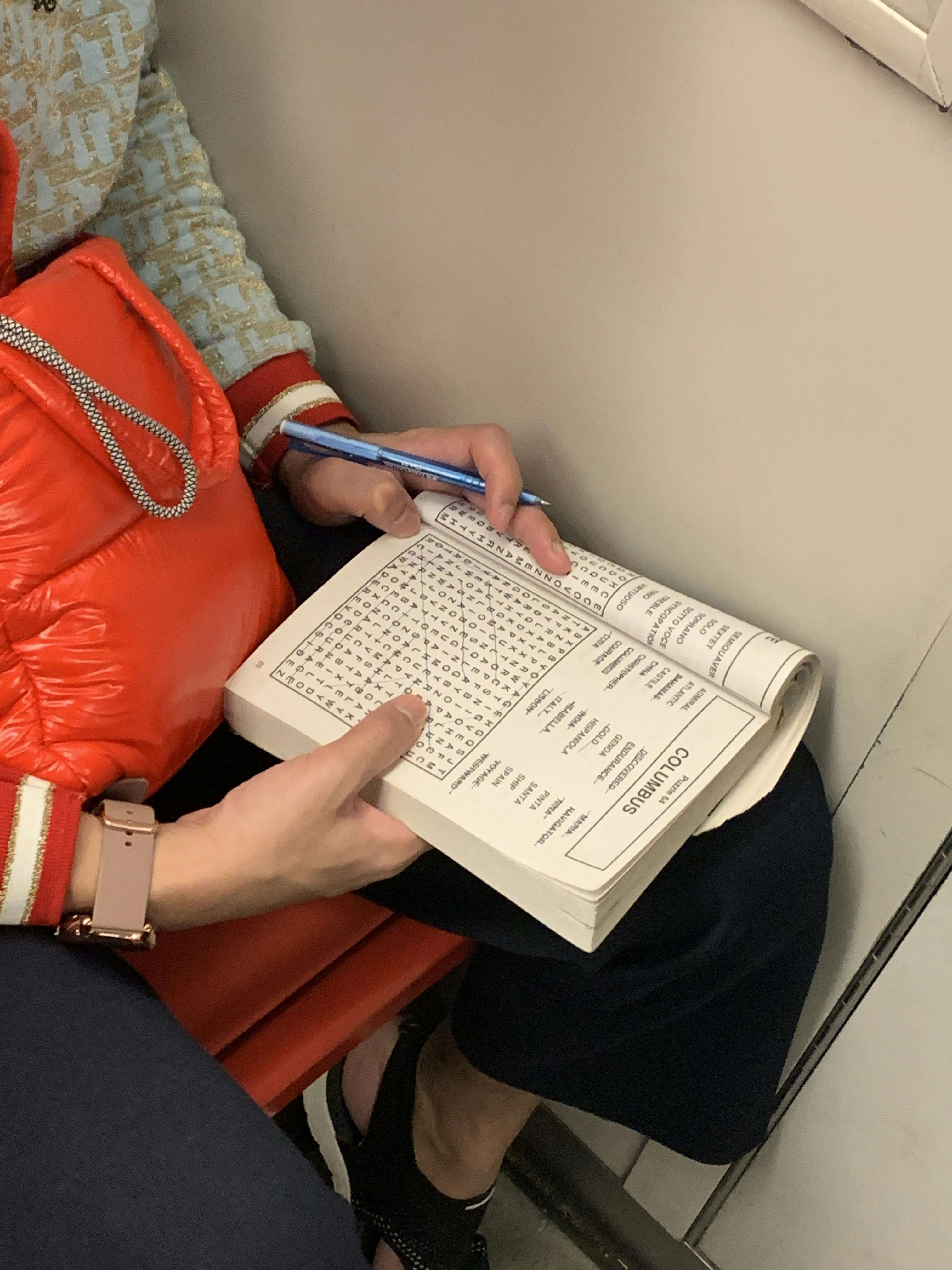
If you are looking for a side hustle that actually scales in 2026, you are in the right place. Puzzle books—specifically word searches—remain one of the most consistent ways to generate passive income on Amazon Kindle Direct Publishing (KDP).
While the “low-content” market has become more crowded, word searches are a “medium-content” sweet spot. They require just enough effort to keep the “get rich quick” crowd away, but they are simple enough for anyone to master with the right tools.
In this guide, I’ll walk you through how to go from zero to your first published book using the same simple workflow I used to get started.
1. The Power of the Right Tools (Why I Use BookBolt)
There are dozens of ways to create word searches. You can do it for free using sites like WordSearchLabs or even manual grids in Excel, but if you want to publish at scale and maintain high quality, you need a professional suite.
I personally use and recommend BookBolt. It is an all-in-one KDP toolkit that handles everything from niche research to interior generation and cover design.
Pro Tip: If you want to jumpstart your journey, you can sign up for BookBolt here and use the coupon code AIHACKS5 for 20% off for life.
Why BookBolt?
- PuzzleWiz Engine: It generates entire books of word searches in seconds from your custom word lists.
- KDP Spy: It allows you to see exactly what is selling on Amazon and how much revenue those books are making.
- Studio Editor: It handles the complex margin and bleed requirements of Amazon KDP automatically, so your book doesn’t get rejected during the upload process.
2. Registering with Amazon KDP (The Open Door)
One of the best things about KDP in 2026 is its accessibility. Unlike other platforms that require a rigorous approval process or a high entry fee, Amazon KDP is free and open to everyone worldwide.
How to Get Started:
- Visit kdp.amazon.com: Sign in with your existing Amazon account or create a new one.
- Complete Your Profile: You’ll need to provide your tax information and bank details (so Amazon can pay you your royalties!). If you are outside the US, Amazon uses services like Payoneer or direct wire transfers to many countries.
- No Gatekeepers: There is no “application” to be a publisher. Once your account is set up, you can upload your first book immediately.
3. The Secret Sauce: Niche Research
The biggest mistake beginners make is publishing a generic “Word Search for Adults” book. In 2026, that is too broad. To see success without spending a fortune on ads, you need to find high search volume with relatively low demand.
How to Find Your Niche:
Look for “sub-niches” where people have specific interests but few book options. Here are some examples of what to look for:
- Target Audience: “Word Search for Seniors with Dementia” or “Word Search for 8-Year-Old Boys.”
- Thematic Focus: “1970s Disco Era Word Search” or “National Parks of the UK Word Search.”
- Format Focus: “Large Print” is a massive keyword. Seniors love large print because it’s easier on the eyes.
The Golden Rule of Testing: Start with low competition niches. These are niches where the “Best Seller Rank” (BSR) is under 100,000 for the top books, but there aren’t thousands of competitors. If you can sell 1-2 books a day without ads, you’ve found a winner. Once you gain experience, you can move into more competitive “high-volume” areas.
4. How to Create Your Book (Detailed Step-by-Step)
I didn’t invent this process—I learned it from the best. Specifically, I started my KDP journey following the guides of Greg Gottfried. His YouTube tutorials are the gold standard for KDP beginners because he breaks down the “tech” side of things into simple, actionable steps.
I highly recommend watching his Amazon KDP Tutorial for Beginners to see the visual workflow.
Step 1: Create Your Word List
You need about 9–15 words per puzzle depending on the format you have selected. In 2026, you can use ChatGPT to generate these instantly.
- Prompt Example: “Give me 20 words related to ‘Vintage Classic Cars’ for a word search puzzle.”
Step 2: Generate the Interior
Using the BookBolt PuzzleWiz:
- Select “Word Search.”
- Upload your word list.
- Choose your font and grid size (e.g., 15×15).
- Click “Generate.” It will automatically create the puzzle grid and the solution page.
Step 3: Formatting for KDP
For word search books, the standard is 8.5″ x 11″.
- Margins: Ensure you have at least 0.5″ margins so the puzzles don’t get cut off during the binding process.
- Font Size: If targeting seniors, use at least 18pt font for the word list.
Step 4: The 80/20 Rule of Design
This is the most important lesson I’ve learned:
The Cover is responsible for 80% of the initial sale. If your cover looks amateur, no one will click on it. It needs to be bright, clear, and explicitly state what the book is (e.g., “LARGE PRINT”).
The Interior is responsible for your Reviews. If the puzzles are too easy, too hard, or have typos, you’ll get 1-star reviews and your sales will tank. High-quality interiors from BookBolt ensure your puzzles are professional and solvable.
5. Publishing and Scaling
Once you have your PDF interior and your cover image, you upload them to the KDP dashboard.
| Step | Action Item | Why it Matters |
| Title | Use keywords like “Large Print Word Search” | Helps your book appear in Amazon search results. |
| Description | List the number of puzzles and themes | Converts “browsers” into “buyers.” |
| Categories | Choose “Games & Activities > Puzzles” | Places your book in the right “aisle” of the store. |
| Pricing | $6.99 to $9.99 | Competitive for the value provided. |
My Strategy for 2026:
Don’t just publish one book and wait. Publish 5 to 10 books in different low-competition niches. See which one gets “organic” traction (sales without ads). Once you see a specific niche performing well, create a “Volume 2” or a themed series around that topic.
Summary of the “Easy Way”
- Join KDP: It’s free and global.
- Learn from Greg Gottfried: His YouTube channel is your free university.
- Use BookBolt: Save yourself 30 hours of manual work. (Don’t forget code AIHACKS5 for your discount!)
- Niche Down: Find the “under-served” customers.
- Focus on the Cover: Make it “clickable.”
Publishing on Amazon KDP is a marathon, not a sprint. But with word searches, the “marathon” is a lot shorter because the demand is evergreen. People will always want puzzles to solve on planes, in waiting rooms, and on Sunday mornings.
Leave a Reply